Exploring the world of GTA V Online PC mods opens up a universe of customization and enhanced gameplay experiences. This guide is designed for the discerning gamer who seeks to personalize their Los Santos adventures without compromising account safety or fair play. We delve into legitimate avenues for modifying your PC version of Grand Theft Auto V ensuring you understand the distinctions between single player enhancements and online compatibility. Learn how to navigate the complex landscape of modding safely protecting your progress and digital assets. Discover which types of modifications are acceptable for use in private sessions or with friends and which are strictly prohibited in public lobbies to avoid bans. This comprehensive resource aims to empower the busy adult gamer providing clear actionable insights into enjoying GTA V Online with mods responsibly. We cover everything from performance boosts to aesthetic changes all while keeping your account secure and your gaming experience enjoyable and legitimate. Uncover the secrets to optimizing your GTA V Online PC experience with the right mods today. Understanding the dos and donts is paramount for any player looking to enhance their gameplay without facing penalties. This article will be your trusted companion in the vibrant but sometimes tricky realm of GTA V modding for PC.
What are the safest types of GTA V PC mods for online play?
The absolute safest type of GTA V PC 'mod' for online play is none at all. Any modification to the game files that affects GTA Online's integrity can lead to a ban. However, visual modifications that do not affect gameplay, such as texture packs or custom vehicles, can sometimes be used in *private, invite-only sessions* with extreme caution, though this is still at your own risk and not officially sanctioned. For true safety in multiplayer, keep your game completely vanilla. Customization through legitimate in-game purchases and the Rockstar Creator is always safe.
How do I install GTA V Online PC mods without risking a ban?
To install GTA V PC mods without risking a ban, you must ONLY use them in single-player story mode. Never launch GTA Online with any mod files present in your game directory. A common method involves creating a separate, clean installation of GTA V specifically for online play, while dedicating another installation for modded single-player adventures. Always back up your original game files before modding and use tools like OpenIV for managing single-player mods, ensuring they are removed or disabled before entering GTA Online.
Can performance-enhancing mods actually improve my GTA V Online experience?
No, performance-enhancing 'mods' for GTA V Online typically fall into the cheating category and will get you banned. Any alteration to the game client designed to provide an unfair advantage, including frame rate boosts beyond what your hardware legitimately allows, is detected by Rockstar's anti-cheat. True performance improvements come from optimizing your in-game settings, updating graphics drivers, ensuring your PC components meet recommended specifications, and maintaining a clean operating system. Focus on these legitimate methods to enhance your experience without risking your account.
Where can I find reliable and legitimate GTA V Online PC mod communities?
For single-player GTA V PC mods, the most reliable source is GTA5-Mods.com, which hosts a vast collection of vetted mods with user reviews and ratings. For legitimate online social experiences with extensive customization and roleplaying, dedicated unofficial platforms like FiveM or RageMP have their own vibrant communities and servers. These platforms operate separately from official GTA Online and have their own moderation. Always exercise caution, read reviews, and scan downloaded files, even from reputable sources, to ensure safety and stability.
What's the difference between single-player and online modding in GTA V PC?
The crucial difference between single-player and online modding in GTA V PC lies in Rockstar's policies and anti-cheat measures. Single-player modding alters your local game files to enhance your offline experience without affecting other players. This is generally tolerated by Rockstar, provided it does not interact with online services. Online modding, however, involves altering game files or injecting scripts while connected to GTA Online servers, which directly impacts the multiplayer environment and other players. This is strictly prohibited by Rockstar and will result in account bans, as it constitutes cheating.
Are there any official tools from Rockstar that support customization in GTA V Online?
Yes, Rockstar provides official tools for customization within GTA V Online without the need for unauthorized mods. The most prominent is the in-game Content Creator, which allows players to design and publish their own custom Races, Deathmatches, Captures, and Last Team Standings. Players can also extensively customize their characters, vehicles, and properties through legitimate in-game purchases using earned or bought GTA$ (Shark Cards). These official methods ensure a fair and balanced experience for all players and are fully supported by Rockstar Games, providing a safe way to personalize your game.
How can I report abusive modders in GTA V Online PC to protect fair play?
You can report abusive modders in GTA V Online PC directly through the in-game reporting system. Access the Pause Menu, navigate to 'Online', then 'Players', select the offending player's name, and choose 'Report Player'. Select the appropriate reason, such as 'Exploits' or 'Modding'. This sends a direct report to Rockstar Games for investigation. Additionally, you can submit reports via Rockstar Support's official website, providing video or screenshot evidence if possible. Reporting helps Rockstar maintain a fair gaming environment and protects the community from disruptive and cheating players.
As a dedicated gamer balancing work family and life finding those precious moments to dive into Los Santos is a reward. Grand Theft Auto V Online on PC offers an unparalleled sandbox but for many the allure of customization through mods is strong. You want to enhance your experience perhaps boost performance or just add a unique visual flair. Yet the thought of breaking rules or risking a ban keeps most cautious. Its a common dilemma for the average US gamer around 36 years old part of the 87 percent who game regularly spending upwards of 10 hours a week across various platforms. We value our game time our hard-earned progress and our social connections in games. This guide is built specifically for you. We understand the pain points the setup hassles the performance hitches and the desire to stay current without falling for hype. You want practical solutions that respect your time and keep your account safe. Today were cutting through the noise to deliver an authoritative and practical guide to navigating the complex world of GTA V Online PC mods responsibly. Discover how to enhance your game protect your account and truly make Los Santos your own on your terms.
The landscape of GTA V Online PC mods can feel like a minefield. On one hand you have incredible tools that can transform your single-player experience. On the other using unauthorized modifications in GTA Online can lead to severe penalties including permanent bans. This article aims to clarify what is safe what is not and how you can still enjoy a customized experience without jeopardizing your account. We will address common questions and concerns from gamers who are often short on time but rich in passion for their hobbies.
What Exactly Are GTA V Online PC Mods and Why Are They Tempting?
GTA V PC mods are modifications to the game's code or assets that change its appearance or behavior. These can range from simple visual tweaks like new car skins or texture packs to complex scripts that introduce new gameplay mechanics or even entire custom maps. For the bustling adult gamer with limited free time mods offer a quick way to inject novelty and excitement into a familiar game. They can refresh the experience providing a sense of discovery and personal expression beyond what the base game offers. The temptation often comes from wanting a unique aesthetic improved performance or even just a bit of silly fun with friends in private sessions. For many it is about enhancing the relaxation and escapism GTA V provides.
Is It Safe to Use GTA V Online PC Mods What Are the Risks?
The safety of using GTA V Online PC mods is a critical concern. In short using unauthorized mods in GTA Online public sessions is never safe and will almost certainly lead to a ban. Rockstar Games has a strict anti-cheat policy that actively detects modifications to the game client when connected to their online services. The risks include temporary suspensions permanent account bans loss of all in-game progress and purchased items and even potential security risks if you download mods from disreputable sources. For gamers who have invested hundreds of hours and real money into their GTA Online accounts this risk is substantial. It is crucial to understand that Rockstars terms of service explicitly prohibit altering the game in multiplayer environments to maintain a fair and level playing field for everyone.
What Types of Mods Are Generally Considered Safe for GTA V Online PC?
When it comes to GTA V Online PC mods the key distinction is single-player versus online. Mods are generally considered safe only for **single-player story mode**. These include:
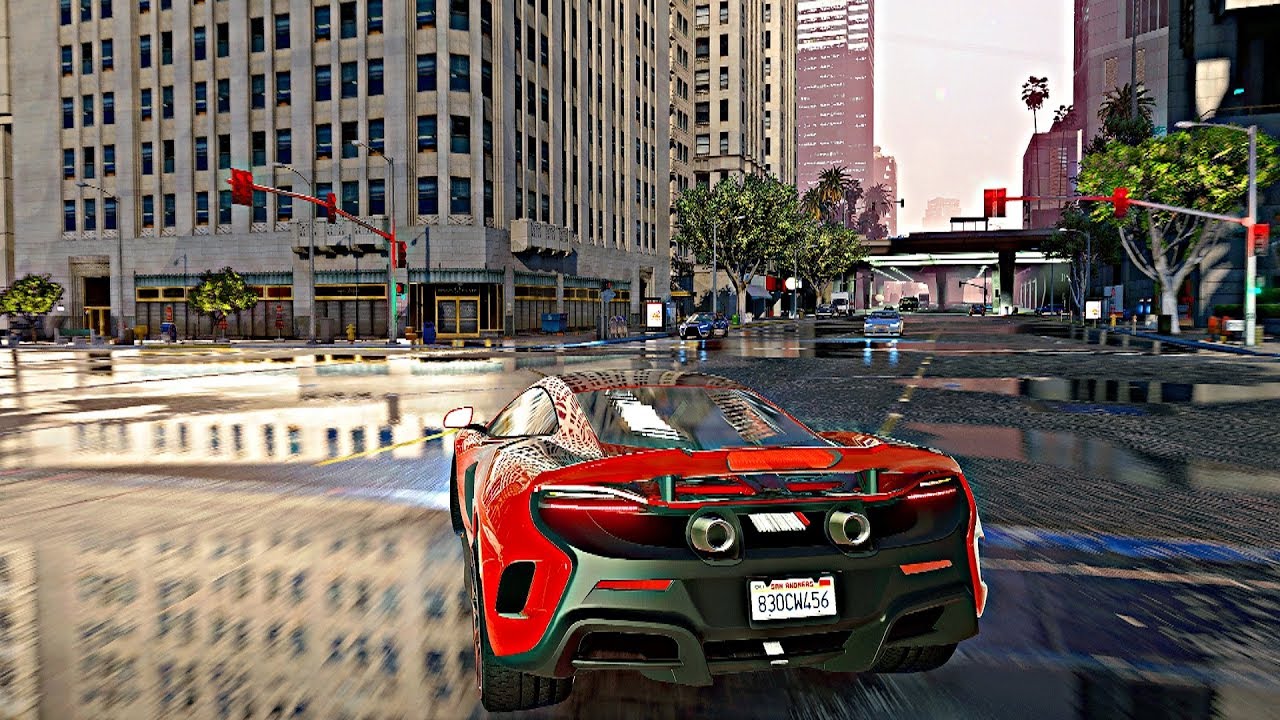
- Visual Enhancements: Graphics overhauls improved weather effects realistic textures and advanced lighting systems like ENB series.
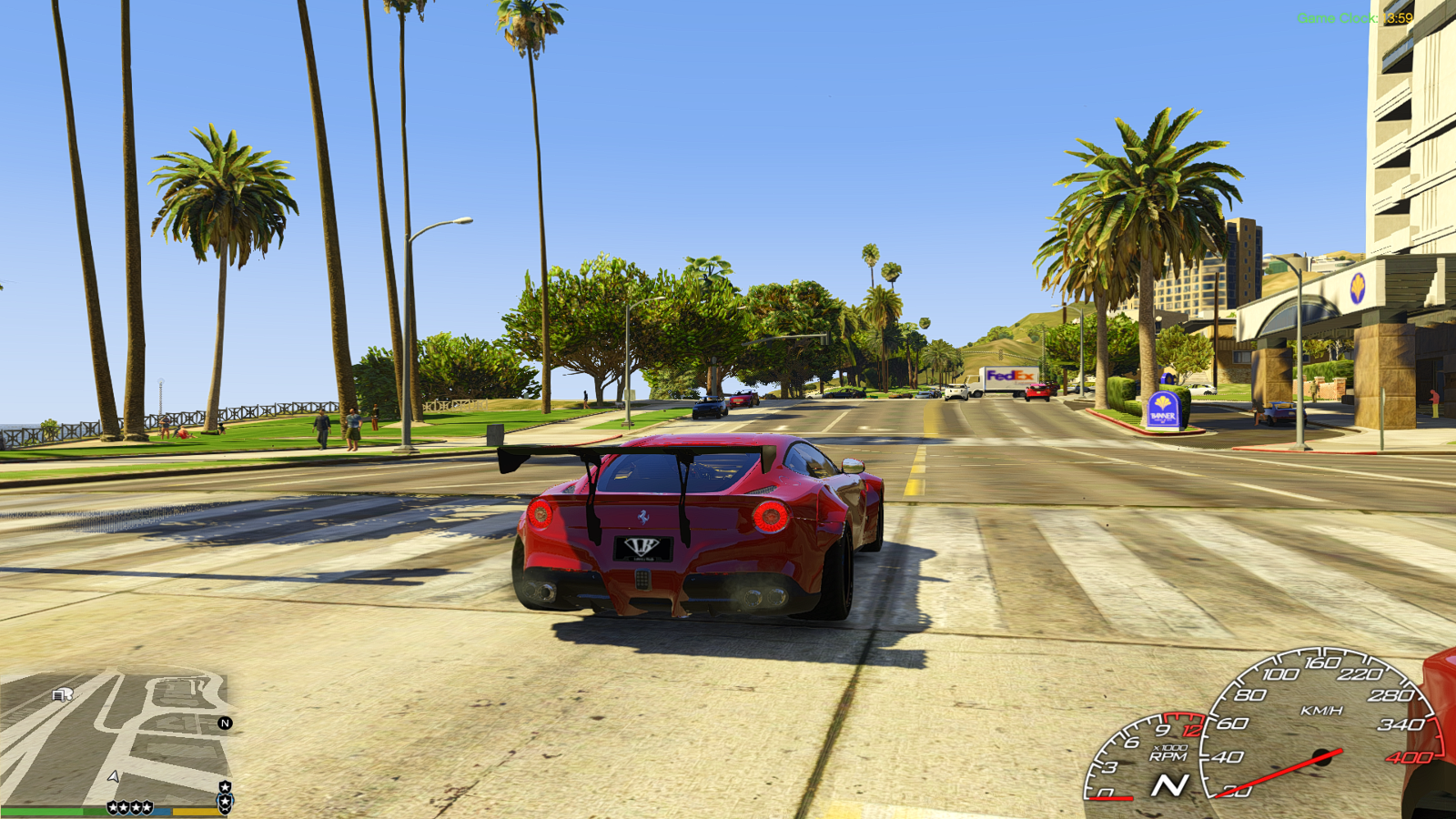
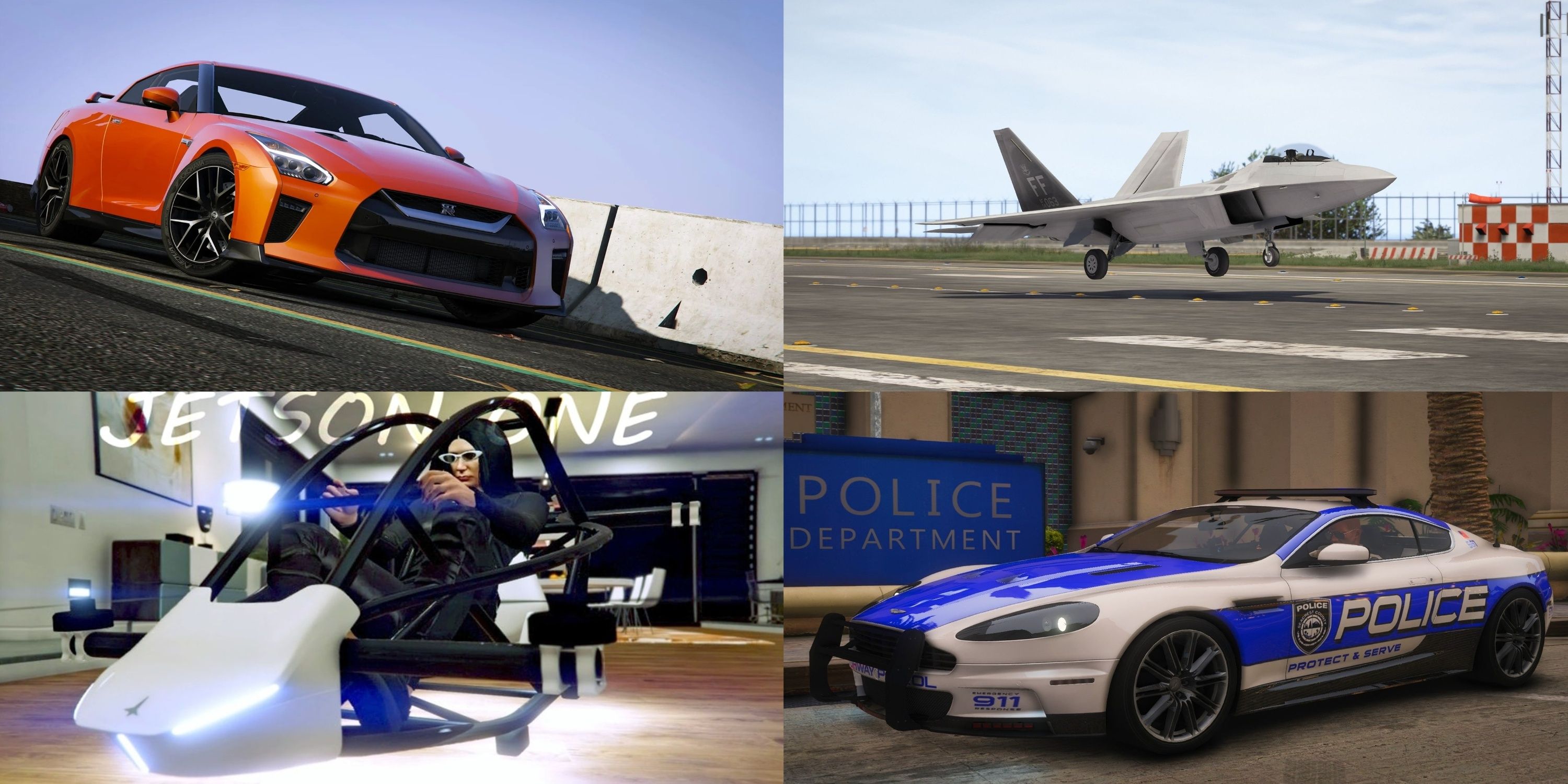
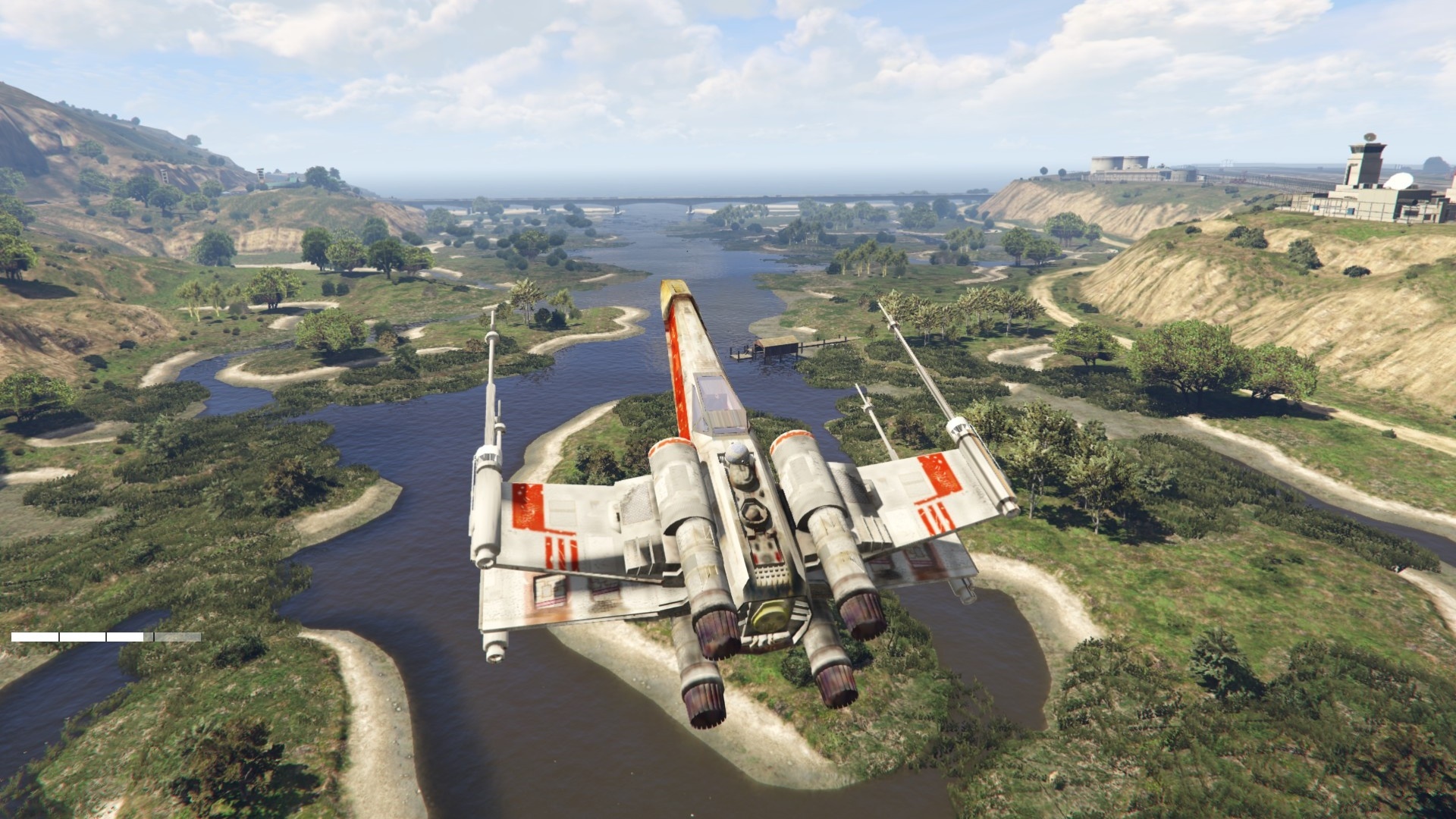
- Vehicle Mods: Custom car models real-world vehicle additions and improved handling.
- Script Mods: Trainers that allow spawning items changing player abilities or manipulating the game world within single-player.
- Map Editors: Tools to create custom environments or object placements for offline play.
For GTA Online absolutely no unauthorized modifications are permitted. However there are legitimate ways to customize your experience within Rockstars framework such as purchasing in-game cosmetic items or using the robust content creator tools to design custom races or deathmatches. Some players opt for private modded servers typically FiveM or RageMP which operate outside of Rockstars official infrastructure. These provide a distinct modding experience where rules are set by the server owners but they are not connected to your official GTA Online account.
How Can I Install GTA V Online PC Mods Without Getting Banned?
The golden rule for avoiding a ban is simple: **Do not use any unauthorized mods in official GTA Online public sessions.** If you wish to use mods for single-player only follow these steps:
- Backup Your Game Files: Before installing any mods always create a backup of your original GTA V installation folder. This allows you to revert to an unmodded state easily.
- Use Mod Managers: Tools like OpenIV can help manage your mods making installation and removal simpler and reducing the risk of corrupting game files.
- Launch Offline for Single-Player Mods: Ensure you are completely disconnected from GTA Online servers when playing with single-player mods. Many mod loaders like Script Hook V will actively prevent you from launching GTA Online if detected.
- Separate Installations: For absolute safety some gamers maintain two separate installations of GTA V one vanilla for online play and one modded for single-player. This requires more disk space but eliminates the risk of accidentally loading mods online.
Always verify the reputation of modding websites and forums. Sites like GTA5-Mods.com are generally reliable but always exercise caution. Remember any mod that interacts with or alters the online multiplayer environment is a direct violation of Rockstars terms.
Are There Performance-Enhancing Mods for GTA V PC Online?
While the idea of a mod that magically boosts your GTA V Online performance without being detected is appealing it is largely a myth in the context of official servers. Any modification to the game client to gain a performance advantage in an online environment would be considered a cheat and result in a ban. However you can optimize your games performance legitimately through:
- In-Game Settings: Adjusting graphics settings like texture quality shadows reflections and population density can significantly impact frame rates.
- Driver Updates: Keep your graphics card drivers up to date. Nvidia and AMD frequently release optimized drivers for popular games.
- System Optimization: Close background applications defragment your hard drive if it is not an SSD and ensure your operating system is running efficiently.
- Hardware Upgrades: For the average gamer on a budget a targeted RAM upgrade or a more powerful GPU can make a world of difference without breaking the bank. Many gamers find balancing gaming with life means optimizing existing hardware first.
Focus on these legitimate methods to get the best performance from GTA V Online. Cheats offering performance boosts are not only risky but also diminish the fair play experience for everyone.
How Do I Find Reputable Sources for GTA V Online PC Mods?
Finding reputable sources for GTA V PC mods requires discernment especially since modding for online play is so precarious. For single-player mods the most widely recognized and generally trustworthy community hub is GTA5-Mods.com. This site has a vast collection of mods with user ratings comments and detailed instructions. Always look for mods with high ratings positive feedback and active development.
When considering any mod:
- Check User Reviews: Pay attention to comments regarding ease of installation stability and any reported issues.
- Developer Reputation: Some modders have a long-standing positive reputation within the community.
- Scan for Viruses: Although reputable sites usually vet uploads always perform a quick scan of downloaded files with your antivirus software as an extra precaution.
For custom private servers like FiveM or RageMP you will need to research their respective official forums and communities. These platforms have their own rules and modding ecosystems completely separate from Rockstar's official GTA Online. Remember the more information and positive community feedback a source has the safer it generally is.
What if I Accidentally Use a Prohibited Mod Can I Recover My Account?
Accidentally using a prohibited mod in GTA Online is a serious issue. Rockstar Games' anti-cheat system is robust and automated. If detected you will likely face a temporary suspension first typically for 30 days. During this period your character progression and inventory might be reset. A second offense almost always results in a permanent ban. Recovering an account after a ban is extremely difficult and rare. Rockstar typically does not entertain appeals for bans related to modding or cheating. The best course of action if you realize you have inadvertently installed an online-prohibited mod is to immediately remove all mod files and verify your game files through the Rockstar Games Launcher or Steam. Prevention is key. Always ensure your game is completely vanilla before launching GTA Online.
Beyond Traditional Mods What Are Legitimate Ways to Customize My GTA V Online Experience?
For gamers balancing busy lives who want to personalize their GTA V Online experience without the risks of unauthorized mods there are plenty of legitimate avenues:
- In-Game Purchases: GTA Online offers an enormous array of customization options through purchased vehicles properties clothing weapons and businesses. This is the primary way Rockstar intends for players to personalize their characters and experiences.
- Rockstar Creator Tools: Utilize the in-game Content Creator to design your own custom races deathmatches captures and last team standing jobs. You can share these with friends and the wider community adding unique gameplay experiences.
- Roleplay Servers (FiveM RageMP): As mentioned these are unofficial platforms but offer incredibly deep customization and roleplaying experiences in separate modded environments. They require a legitimate copy of GTA V but dont use your official GTA Online character or progression.
- Socializing and Crews: Join a dedicated crew. Many crews have specific themes or playstyles and playing with them provides a unique social and collaborative experience. This is a huge part of what makes gaming so enjoyable for many especially Gen Z and Millennial gamers who thrive on social connection.
These methods allow for extensive personalization and enhanced fun all within Rockstars guidelines protecting your valuable account.
How Do Mods Impact the Social Aspect of GTA V Online PC?
The impact of mods on the social aspect of GTA V Online PC is a double-edged sword. When used legitimately in private modded servers or single-player they can foster creativity and unique shared experiences among friends. For example a group of friends on a FiveM roleplay server can create an entire virtual life together. However in official GTA Online public sessions unauthorized mods severely damage the social fabric. Modders who use aimbots god mode or spawn objects disrupt fair play create an unfair advantage and ruin the experience for honest players. This leads to frustration griefing and a toxic environment that discourages social interaction and legitimate gameplay. Many adult gamers who play to unwind or connect with friends find their limited time wasted by encountering such individuals. Rockstar actively bans these disruptive players to protect the integrity of the community.
What Are Some Common Misconceptions About GTA V Online PC Mods?
Several myths persist about GTA V Online PC mods:
-
Understanding safe GTA V Online PC modding is crucial for adult gamers balancing life and play. Key highlights include differentiating between single player and online acceptable mods preventing account bans exploring performance enhancing mods and ensuring security. This guide helps gamers unlock new customization options responsibly maintaining account integrity while enriching their Los Santos experience. It addresses common pain points like setup issues and performance concerns offering practical solutions for a balanced gaming lifestyle. Focus on legitimate avenues reputable sources and Rockstar policies to enjoy a customized and secure GTA V Online experience on PC.
35#1 Gallery gta v online pc mods
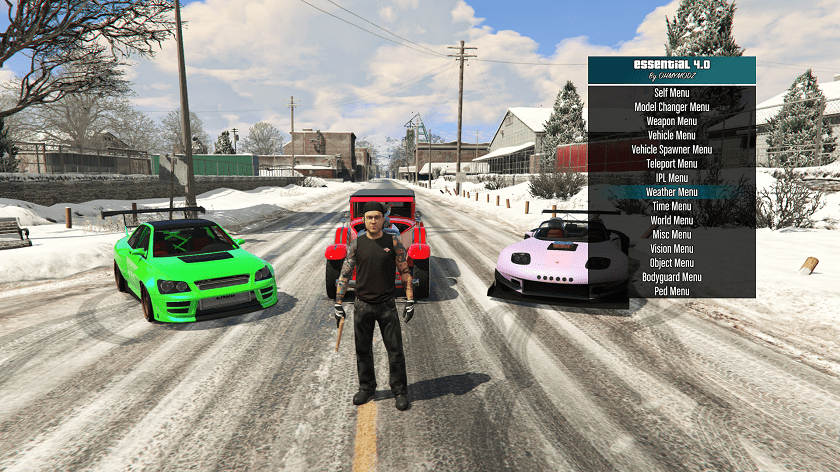
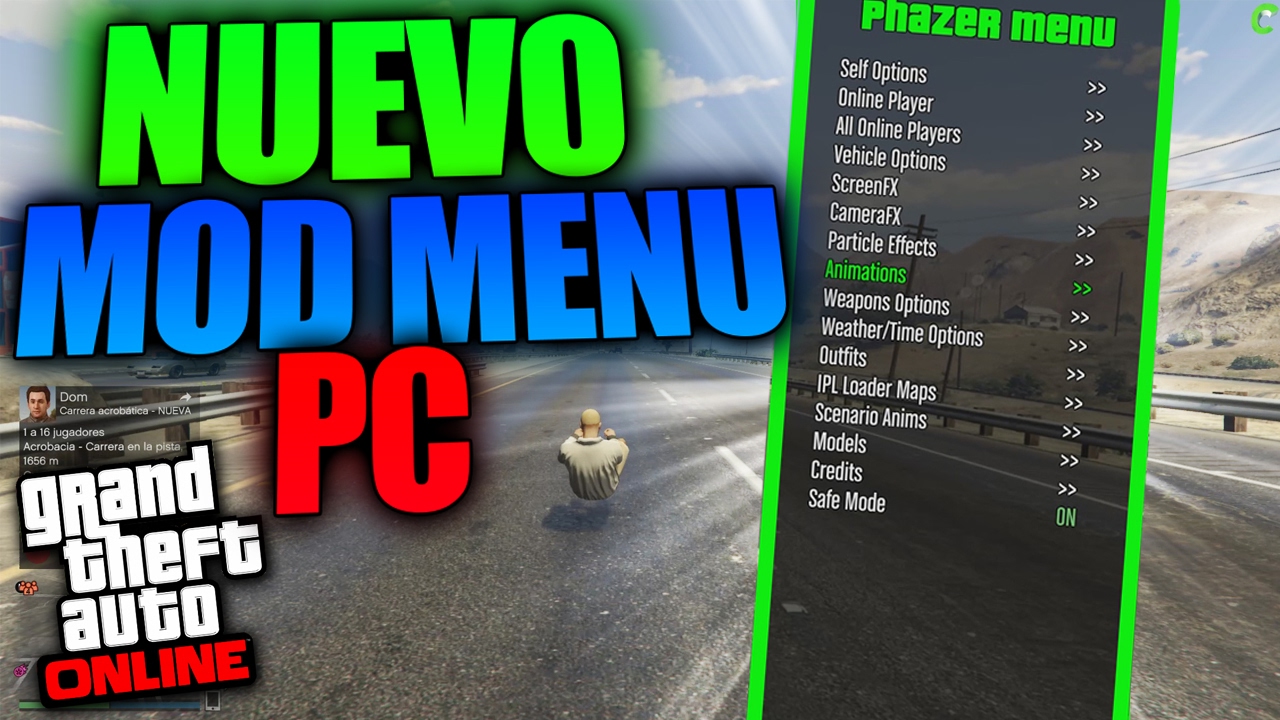
How To Install Mods For GTA 5 LEGACY EASY Guide Grand Theft Auto V . GTA 5 Online FREE PC MOD MENU DOWNLOAD PC Mod Menu SHOWCASE GTA 5 . ALL Upcoming 2026 GTA 5 Online DLC Leaks New Businesses New Cars . GTA 5 MODS ONLINE CATCHING ONLINE MODDERS HACKERS 5 GTA 5 ONLINE . GTA 5 Modding In 2026 What S Fun What S Risky And What Keeps The Word Image 26474 1
#2 Gallery gta v online pc mods

/pcq/media/media_files/2026/03/24/gta-5-summer-dlc-2026-2026-03-24-17-03-10.jpg)

GTA 5 GTA V Ultimate Trainer 2026 Mod GTAinside Com 1768926016 C . GTA Online Weekly Update Launches For March 5 To 11 2026 Two Free Cars Gta Online Weekly Update Launches For March 5 To 11 2026 03 05 15 55 54 . Mod Menu Gta 5 Online Pc Kaufen . GTA 5 Summer DLC 2026 Release Final GTA 5 Online Update Before GTA 6 Gta 5 Summer Dlc 2026 2026 03 24 17 03 10 . Best Single Player GTA V Mods For 2026 Enhancing Visuals And Immersion Efd1e5 Main
#3 Gallery gta v online pc mods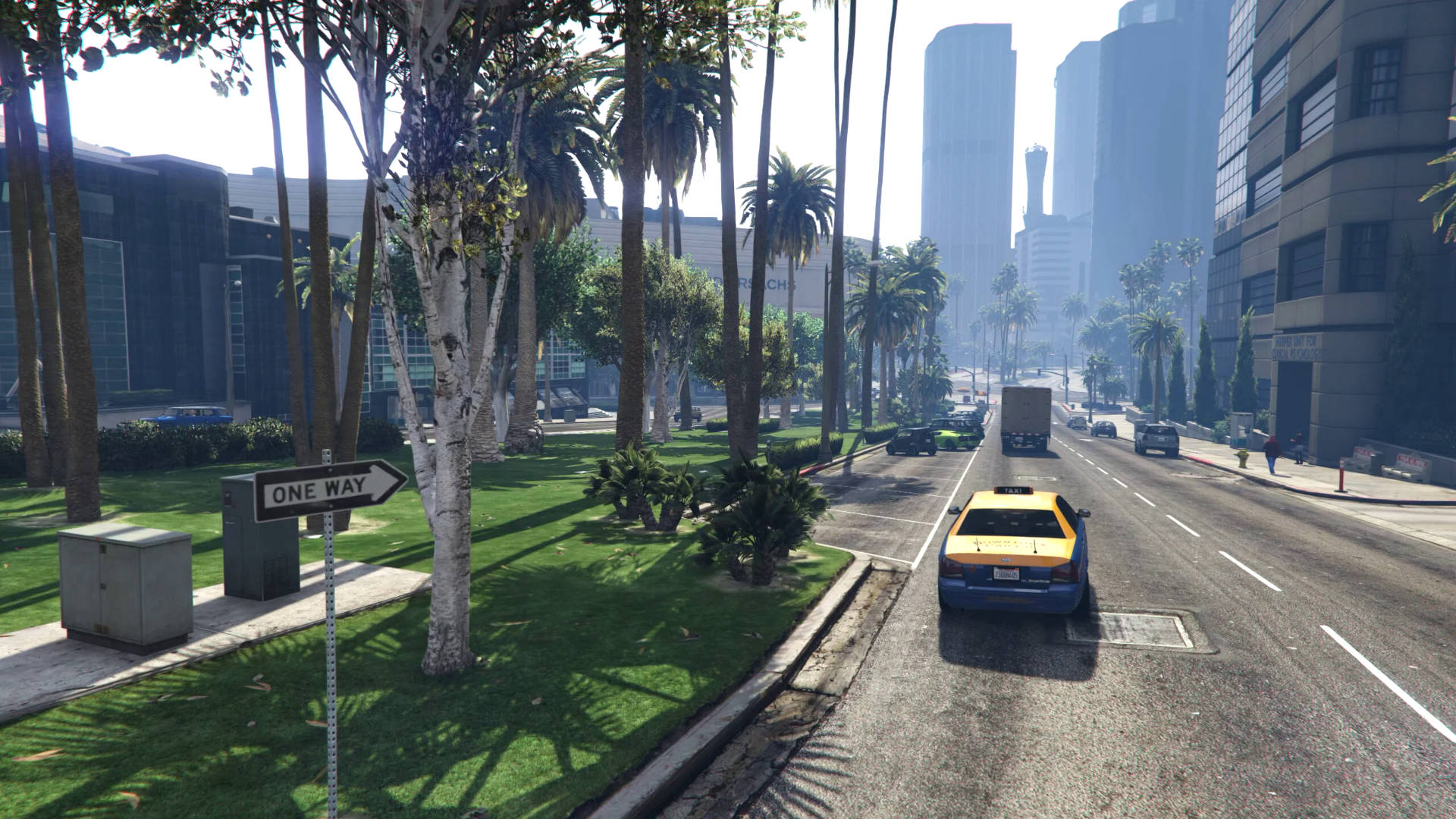


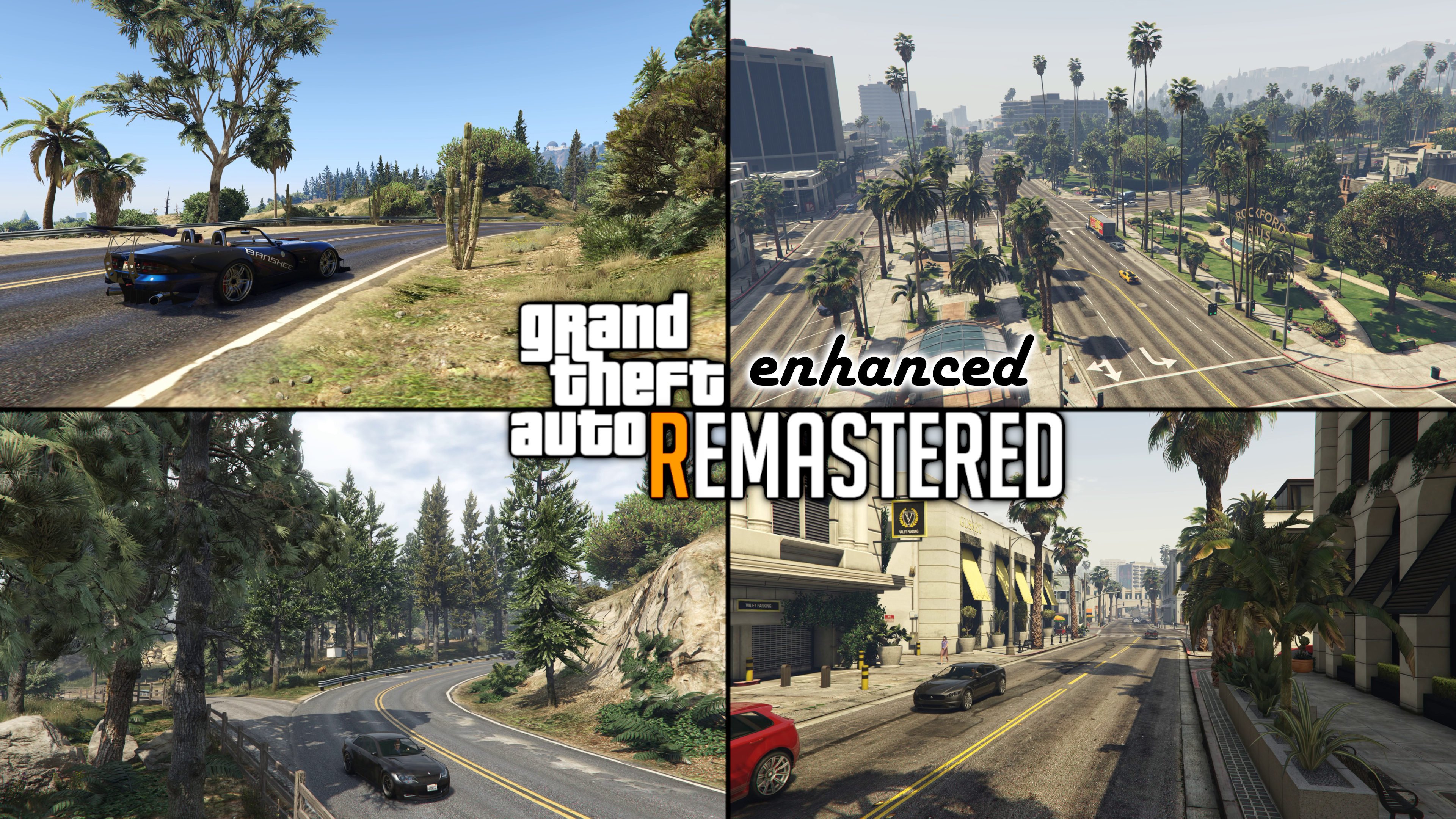

Essential GTA V Mods And Safe Guide Prism News Gta 5 Mods Gta V Remastered Enhanced . GTA 5 NEW YEARS UPDATE 2026 DOUBLE MONEY Event Week Discounts . GameWatcher Gta5 2016 05 16 00 54 10 . GTA 5 4ca643 Cover . Grand Theft Auto V Mod Nexus Mods Gta V DJSNDL Grand Theft Auto 8K GTAV Real Scaled
#4 Gallery gta v online pc mods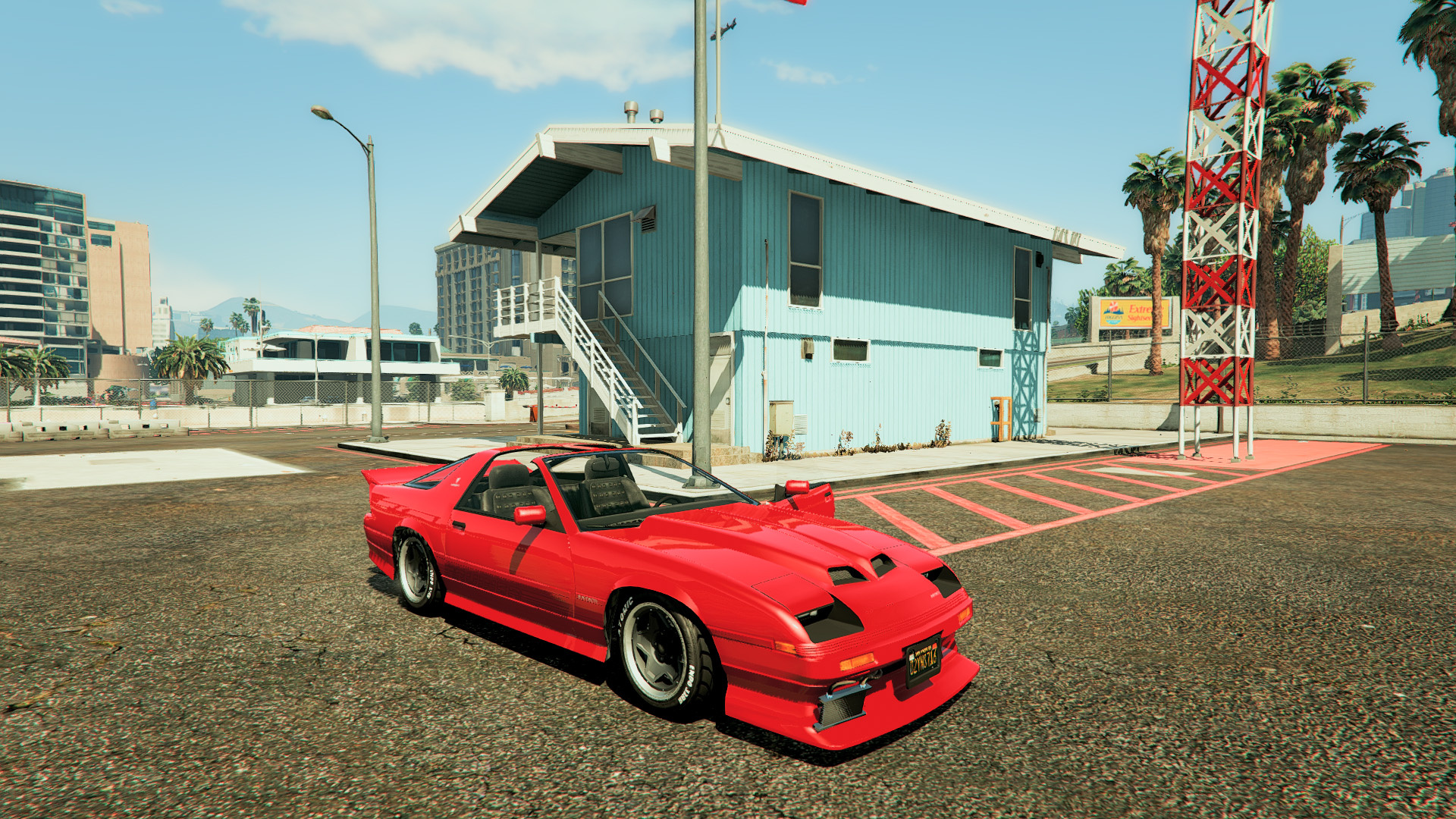


Gta 5 Gta 5 Mods Fc6af1 GTA5 2015 05 04 18 39 11 . How To Install Mods In GTA 5 2026 Step By Step Beginner Guide PC . Gta 5 Mods Graphics Mods Graphique Fivem Gta 5 WVCLH . Gta V 2026 Gta Online Update May 11 2023 The Last Dose Hard Mode S Gta Online Cover . GTA V ONLINE MOD MENU PC 1 58 FREE DOWNLOAD MOD MENU UNDETECTED
#5 Gallery gta v online pc mods
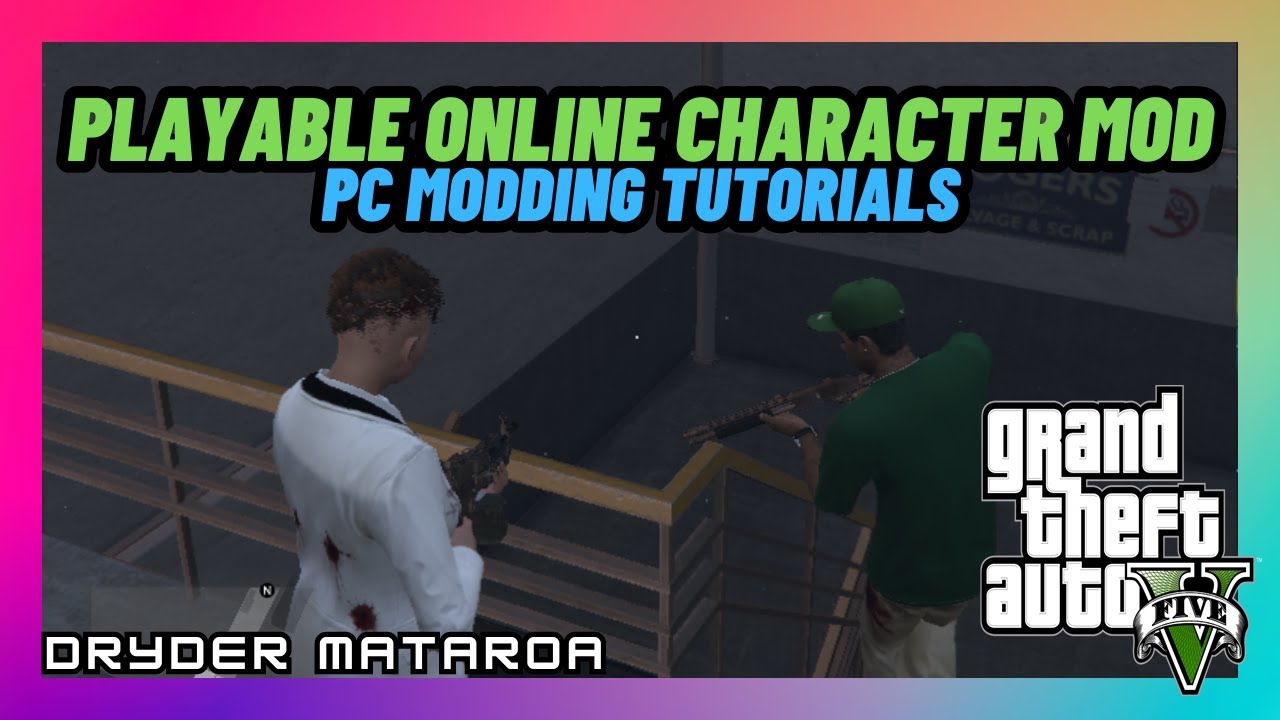


How To Mod GTA 5 On PC 2022 YouTube . How To Install The Playable Online Character Mod Grand Theft Auto V PC . GTA Online Leaks Reveal Packed 2026 Roadmap New Cars Raids Outfits Scaled 90b9 . Gta 5 Online Mod Client At Henry Storms Blog . Fodmrs Blog 6cb724 1
#6 Gallery gta v online pc mods

Comment Avoir Un Mod Menu Gta 5 Xbox 360 Gta5 Mods Tuto Https 24174193 Tracks 5945734 Cache. Tuto Mod Gta 5 Gratuit Mettre Mods Gta 5 GBUFL . Grand Theft Auto V City . Gta 5 New Cars Update Gta 5 Vehicle Mods . Best GTA 5 Mods 2026 From Graphics Updates To New Cars Gta V Mods Star Wars
#7 Gallery gta v online pc mods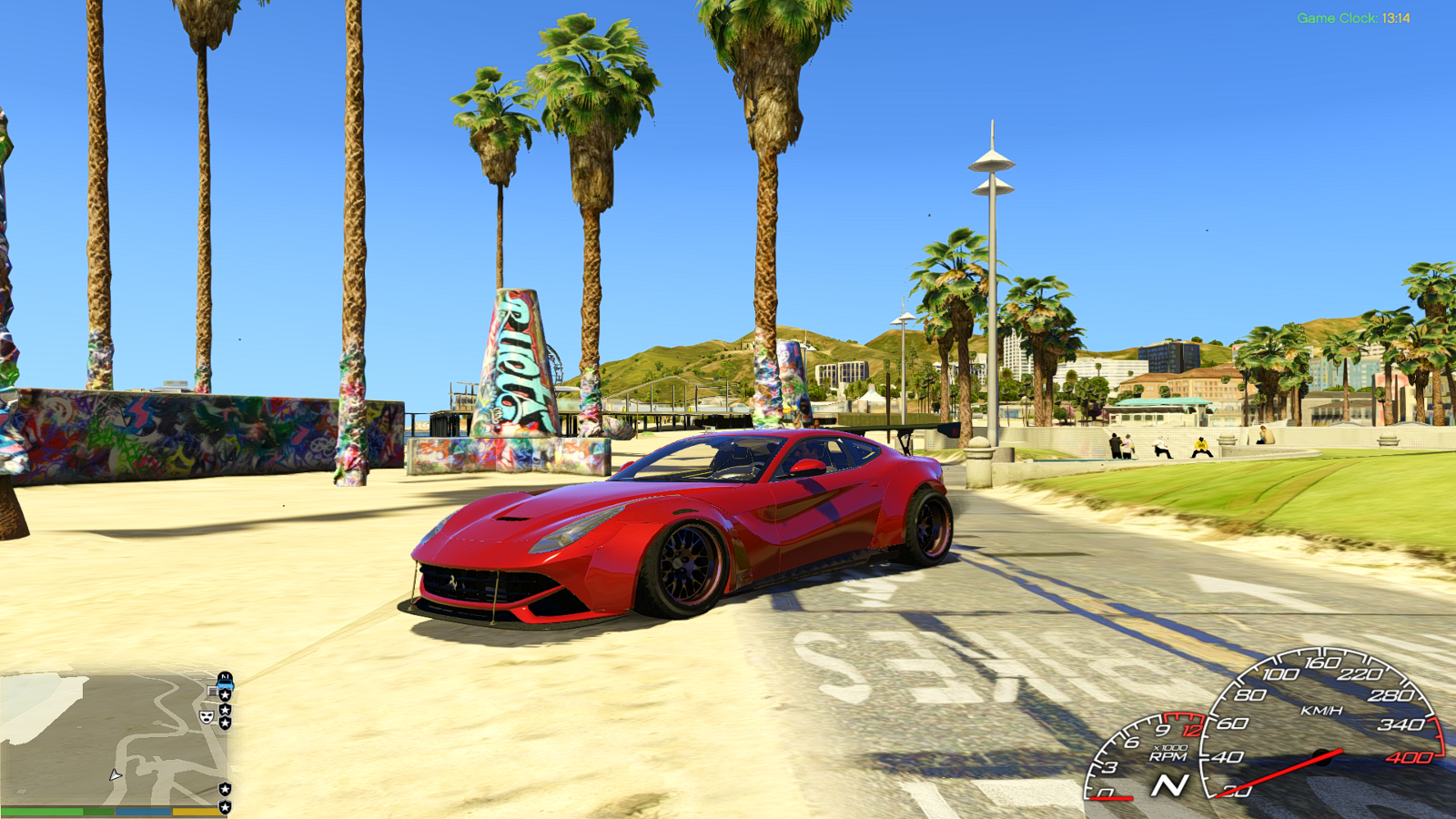


HD Low End GTA5 Mods Com 6cb724 2 . How To Install The GTA 5 Online Missions For Mod PC Mods . GTA 5 ONLINE DI 2026 YouTube . Mod Menu Gta 5 Online Pc Kaufen . GTA 5 Free Redux Mod 2026 Graphics Pack YouTube